Gameplay
Inventory and Loot
Tap for all loot, hold for selection; bags, chests and inventory have different roles.
Development reference · reviewed 21 October 2026
Source and focused-test evidence where stated; current combined player acceptance remains open. Implementation means the feature exists; focused tests cover specific scenarios. Neither establishes complete standalone acceptance.
See the current beta verification status →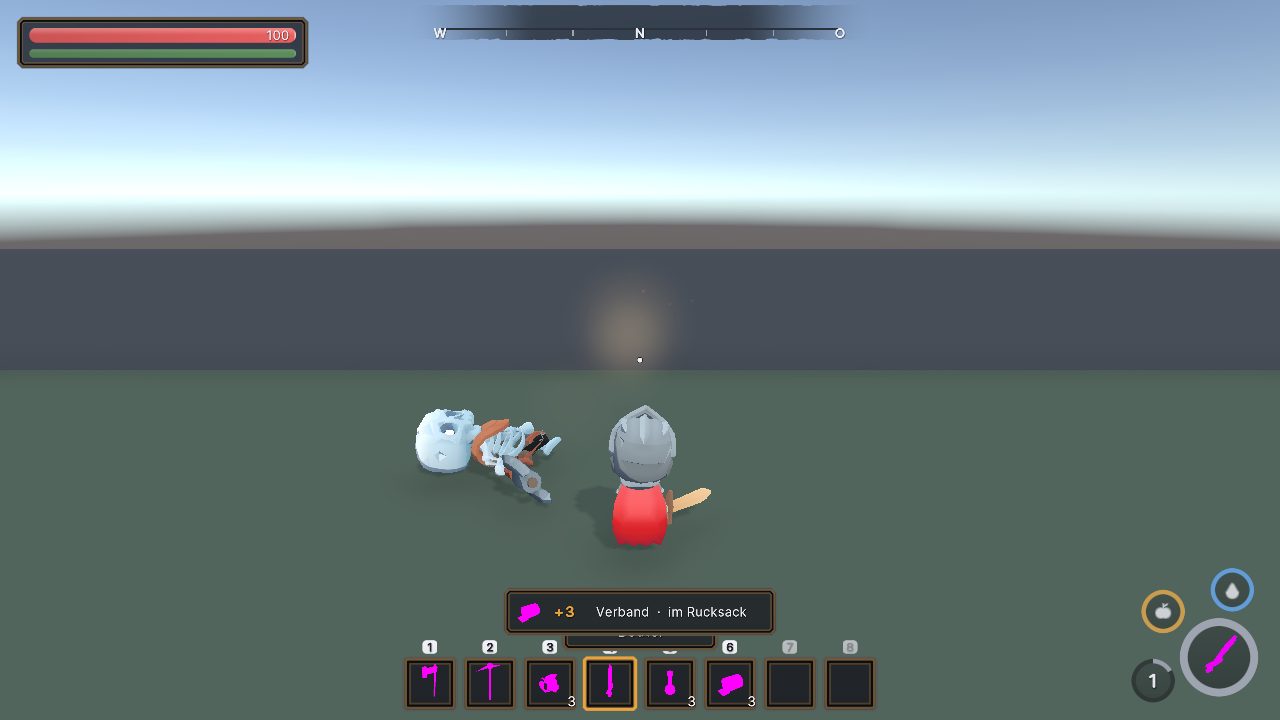
Finding dropped loot
The October interface redesign uses role-specific gold fantasy frames with dark navy storage tiles and colourful rounded icons. The reviewed import covers all 176 items in that content snapshot; it does not establish final native backpack, trade or crafting acceptance. Earlier window images are historical iterations. Read the UI and icon development article for labelled comparisons and current evidence.
Filled player, overflow, death and enemy bags now have a small diamond and ground ring. Empty bags and chests are excluded; walls and vegetation can still hide them. Focused checks cover spawning, restoration, contents changing, distance and day/night presentation. The available near/far captures do not establish readability in every biome or complete human style acceptance.
Harvest pickup animation follows quantities actually accepted by automatic pickup. It creates no extra items; rejected quantities remain in the source or persistent overflow bag. Component checks pass, while the supplied flight image is a cosmetic fixture rather than a naturally played harvest sequence.
Bags and inventory
Dragging a bag from the backpack onto a free bag tile equips that exact bag. Non-bags and occupied slots are rejected with feedback rather than silently exchanged. This interaction has focused checks.
The latest visual correction uses a split inventory and a compact bag strip above the bar, without bag text labels or a load block. The character view removes the extra tool block. These newer proportions are still in progress; earlier inventory tests do not sign off the new layout.
Loot bags
The current control contract is tap E to take all, hold E to open selection. Loot-panel work has source and focused-test evidence, while native timing and full player-input acceptance remain open.
Auto-pickup and station auto-storage are separate gameplay options. An item must not silently disappear when capacity is unavailable.
Chests and processing stations
Chests show the inventory on the left and a separate chest grid above the middle. That is intentionally different from the compact bag-selection view. The chest-grid source is implemented; combined screen layouts remain in review.
Processing jobs leave their output at the station. See Gathering and Crafting.
After death
Hotbar slots are retained. Other inventory follows the applicable death/drop rules, and bag protection can be switched on or off. See Survival and Health.